
The MCL office is based in East Sussex, in the UK. And if there’s one thing us English are known for, it’s talking about (usually whinging about) the weather.
Especially in this heat!
And while we endure a record breakingly hot summer with our AC on full blast and the fan held 3 inches away from our faces, it can be easy to forget the strain this heat has on the tech we are using.
Unless you’re running an icecream van, heatwaves aren’t great for businesses. Not only because of the discomfort it causes people, but also because of the additional strain it puts on the equipment your business runs on.
Every summer, offices see the same pattern: broadband drops out more often, laptops slow to a crawl, phones refuse to charge, and phone systems start behaving oddly.
It often isn’t a hardware fault. The tech is just struggling to cope with the heat like you.
This guide covers what actually causes tech to overheat, the warning signs to watch for, the safe temperature ranges for each type of device, and a clear action plan for keeping your computers, phone systems, broadband hardware and mobiles running through a heatwave.
What Causes Tech to Overheat in a Heatwave
Every electronic device generates heat simply by working, processors, batteries and power supplies all give off warmth as a by-product of running.
In normal conditions, that heat escapes into the room and the device stays within a safe range. A heatwave interferes with that process in three ways:
- Higher ambient temperature. If the room itself is hotter, there’s less of a gap between the device’s internal temperature and the air around it, so heat escapes more slowly.
- Direct sunlight. A device sitting near a window, on a windowsill, or in a car can heat up far faster than the surrounding air temperature suggests. Direct sun acts like a magnifying glass on dark plastic and metal casings.
- Poor airflow. Devices tucked into cupboards, stacked on top of each other, or surrounded by cables are already prone to trapping heat. In a heatwave, that same setup goes from ‘fine’ to ‘problematic’ almost overnight.
Put these factors together and you get a warm room, with some sun through a window, and a router jammed into a cabinet. A recipe for disaster that results in your device running well outside its intended operating range without anyone realising.
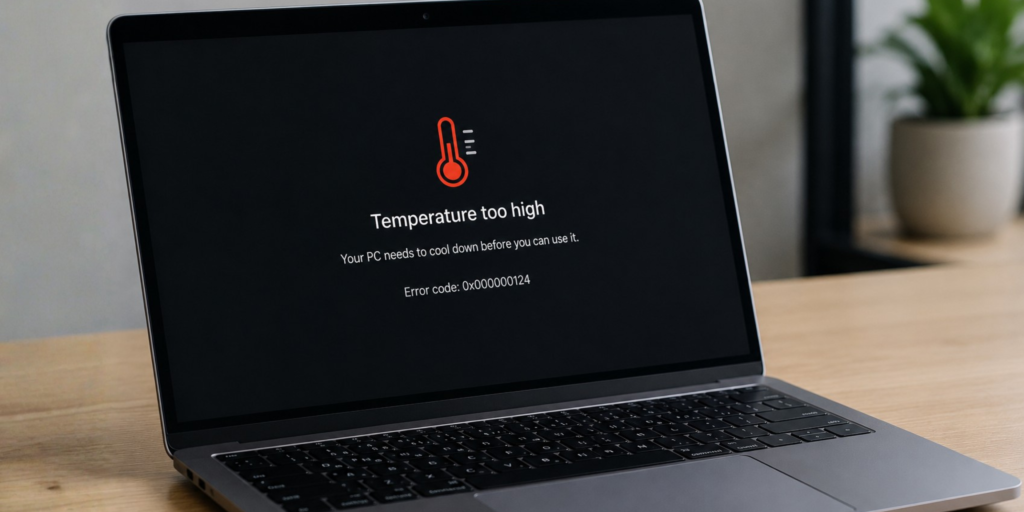
It’s best to be proactive with device management because most equipment doesn’t shut down when it gets too warm, it gives subtle off warning signs first that if unnoticed, could be detrimental.
Warning Signs Your Tech Is Getting Too Hot
Before anything fails outright, overheating tech tends to show the same handful of symptoms, regardless of device type.
Here’s what you need to look out for:
- Unexplained slowdowns
- Sluggish wifi, laggy laptops, or a phone system that takes longer to connect calls
- This is especially common in the afternoon when a room has had all day to warm up.
- Warm or hot casing
- If a device is hot to touch, it’s already working outside its comfort zone.
- Charging problems
- Phones and laptops that pause charging, charge unusually slowly
- Some tech, like iphones, display a temperature warnig and advise that charging will resume when the device returns to normal temperatuers.
- Random restarts or dropped connections
- Many devices are designed to reboot or disconnect as a last-resort safety measure once they get too hot.
- Swelling
- A phone screen lifting at the edges, or a laptop case that no longer sits flat, can indicate a swollen battery, which is a safety issue rather than just a performance one.
During a hot spell of weather any one of these could be cause for concern, and more than one almost gaurantees your device is fighting for survival.
Safe Temperature Ranges by Device Type
Manufacturers publish operating temperature ranges for a reason, they’re the range within which a device is designed to perform reliably.
Here’s roughly what that looks like across the tech a typical small business relies on:
| Device type | Safe ambient temperature | What happens beyond it |
|---|---|---|
| Mobiles (smartphones) | Around 0–35°C (32–95°F) | Battery degradation speeds up above 35°C; charging may pause or throttle above 40°C |
| Laptops & desktop computers | Around 10–35°C (50–95°F) ambient | Internal fans work harder, then the processor slows itself down (throttles) to protect internal components |
| Routers, modems & network switches | Typically 0–40°C (32–104°F) ambient | Performance and wifi range can dip well before the device fails outright |
| Phone systems & VoIP hardware | Similar range to other network equipment — usually 0–40°C ambient | As with routers, these are network appliances at heart, so the same rules apply: cooler and better-ventilated locations perform more reliably |
A useful rule of thumb: anything above about 35–40°C ambient is worth acting on, and prevention is always easier than a mid-afternoon outage.
Keeping Each Device Cool
Broadband, Routers & Modems
Give it space to breathe. This is the single biggest factor in router and modem overheating, and it’s free to fix.
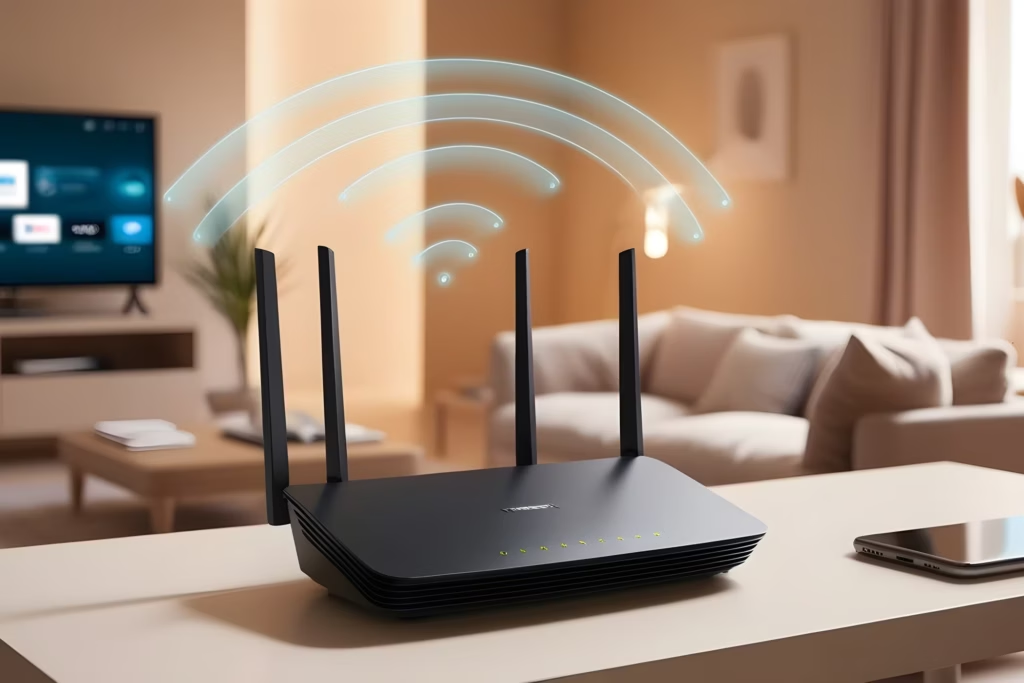
- Place it on an open shelf, not inside a cupboard or cabinet
- Keep it off windowsills and away from direct sunlight, especially south-facing windows
- Leave a gap between the router and other heat-generating equipment like printers or monitors
- Avoid stacking anything on top of it, and keep cables tidy rather than bundled directly underneath
- On the hottest days, a small desk fan nearby can make a real difference
Computers (Laptops & Desktops)
- Keep laptops on a hard, flat surface. Beds, sofas and cushions block the vents underneath and trap heat
- Never leave a laptop in a hot car, even briefly; car interiors can exceed the safe range within minutes
- Leave the heavy lifting for another day. High intensity work can make the laptop heat up way quicker than usual.
- Close unnecessary background programs on the hottest days to reduce how hard the processor has to work
- Make sure vents and fans are free of dust, a quick check now prevents a much bigger problem later
- If a laptop is uncomfortably hot to the touch, give it a break and let it cool down before continuing to use it

Phone Systems & VoIP Hardware

- House it in a ventilated cabinet or open rack, not a sealed cupboard
- Don’t place it directly above equipment that generates heat, such as a server or a bank of chargers
- If it lives in a comms room, check whether that room has any form of cooling or ventilation, and keep the door open if there isn’t
- Keep a basic log of call quality or connection issues. A pattern of problems appearing only in the afternoon is a useful early warning sign
- Treat your phone system hardware the same way you’d treat a network switch, it’s often built on very similar components
Mobiles
- Avoid charging a phone in direct sunlight or on a hot surface such as a dashboard or windowsill
- Remove the case while charging if the phone already feels warm. Cases trap heat right where it needs to escape
- Avoid demanding tasks (video calls, gaming, navigation) while charging on a hot day, since charging and heavy use both generate heat at the same time
- If a phone displays a temperature warning, stop using it and let it cool in a shaded spot

What to Do If a Device Has Already Overheated
If you’ve spotted the warning signs above, the response is largely the same across every device type:
- Stop what you’re doing. Pause charging, close demanding applications, or end the call. Lighten the load on the device and give it a chance to cool off.
- Move it. Get it off the hot surface, out of direct sun, and into an open, shaded spot with some airflow.
- Let it cool before using it again. Resist the urge to immediately restart or resume. Most heat-related faults resolve themselves once the device has had time to cool down.
- Check for physical damage. A swollen battery or a warped case isn’t something to wait out. The device should be powered down and looked at by a professional rather than used again.
- Look for a pattern. If the same device overheats repeatedly at the same time of day or in the same spot, that’s a sign to make a permanent change to its location rather than solving it fresh each time.
The Takeaway
Most heatwave-related tech problems come down to the same root cause: a device generating normal amounts of heat with nowhere for that heat to go.
A few minutes spent moving a router off a windowsill, clearing space around a laptop, or rethinking where your phone system hardware lives can prevent a disruptive afternoon of dropped calls, slow wifi and cranky computers.
Treat it the way you’d treat any other piece of seasonal maintenance, a quick check now saves a bigger problem later in the summer.